
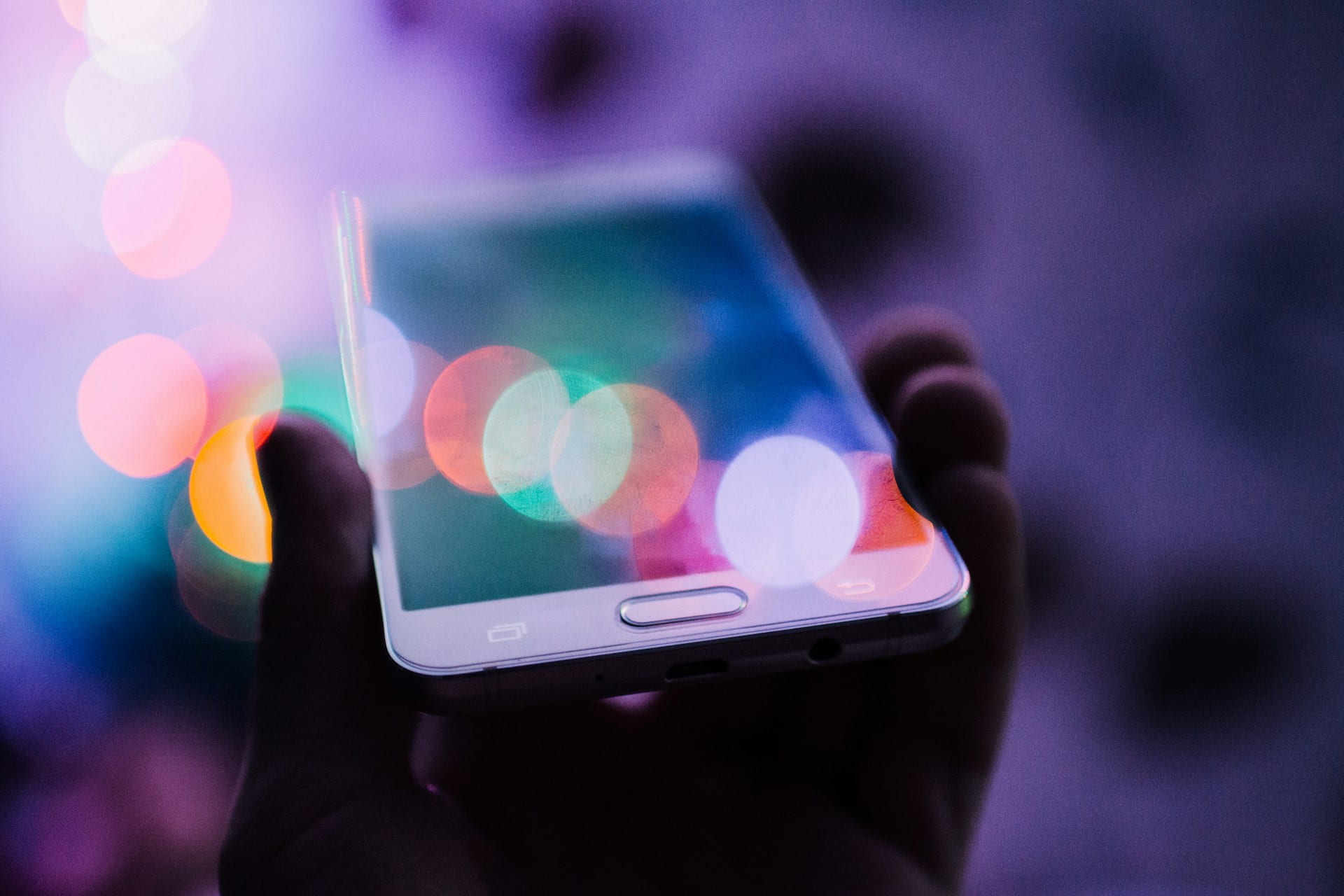
Perform a quick security check on your phone in 10 minutes
Photos, emails, social media, online banking, work: everything coexists on the same device, and keeping it protected is no longer optional. ESET shares a guide that shows you how to perform a security check, with simple actions that can make a big difference
It might sound exaggerated, but a large part of our lives revolves around our cell phones: photos, emails, online banking, social media, work, sensitive documents, conversations. That’s why ESET, a leading company in proactive threat detection, is sharing the steps to follow for a quick phone security check. This is extremely important for all users.
“In 10 minutes and with simple actions, you can detect risks, close unnecessary access points, and prevent problems before they occur. This significantly reduces the risk of your entire digital life becoming vulnerable,” explains Mario Micucci, Cybersecurity Researcher at ESET Latin America.
Minute 1–2: Update – The first step is to install available updates for both the operating system and the applications you use. It’s crucial to have the latest version installed because cybercriminals know how to exploit old vulnerabilities or weaknesses to carry out their attacks.
Minute 3: Lock – Activate device locking with a PIN, pattern, or biometric data. Ideally, avoid using common patterns or birthdates, and configure your screen to lock automatically as soon as possible. Physical access remains one of the simplest ways to compromise a device, since an unlocked cell phone allows anyone to access apps, emails, and social networks.
Minute 4: Delete – Review the list of installed applications and delete those you no longer use or recognize. Reducing the number of apps also reduces the entry points for cybercriminals.
Minute 5: Limit – Another important point regarding apps is to control the permissions they request. For example, does a flashlight app really need access to your contacts? You can check this in the “Settings” menu, then go to “Privacy,” and under “Permissions,” limit those you consider unnecessary or suspicious. According to ESET, the danger is clear: the microphone can listen to ambient noise, the camera can record without your knowledge, and location services can constantly track your movements.
Minute 6: Reduce – Decrease your attack surface by turning off Bluetooth when not in use and deleting saved public Wi-Fi networks. Both public Wi-Fi networks and active Bluetooth can be used by cybercriminals to intercept information or attempt unauthorized connections.
Minute 7: Enable – Activate two-factor authentication (2FA) on all possible accounts: email, WhatsApp, Instagram, Facebook, Google, Apple ID, etc. This prevents malicious actors from hijacking your account, stealing your networks and contacts, and accessing your banking services.
Minute 8-9: Back Up – It’s advisable to check if you have active backups (on Google Drive or iCloud), confirm when the last backup was performed, and enable automatic backups of photos, contacts, files, and system data if they aren’t already configured. Not all security incidents can be prevented. Backups are what allow you to recover your information, and if you don’t have a recent copy, the impact can be more severe.
Minute 10: Boost – Install a reliable security solution that provides protection against phishing sites and malicious apps, and detects malware in real time. Not all threats are visible: in fact, as users, we often don’t detect malicious links, dangerous apps, or suspicious behavior in time, and a security solution adds constant monitoring, reducing the margin for human error. ESET solutions, for example, include protection for online banking and payments, blocking of sensitive applications, and anti-theft tools to locate or lock your device in case of loss or theft.
“Cybersecurity isn’t about magic solutions, but about small habits that can make a big difference. This 10-minute security check is a step toward a better-protected device. Since most digital incidents occur due to minor oversights or carelessness (installing an unofficial app, not updating systems, a weak password), a good goal is to make this quick and concise check a daily habit. And thus, enjoy your digital life more safely,” concludes Micucci from ESET.
ESET invites you to learn more about cybersecurity by visiting: https://www.welivesecurity.com/es/
For other useful preventative information, also available in Venezuela: https://www.eset.com/ve/, and on their social media channels @eset_ve. Also on Instagram (@esetla) and Facebook (ESET).
Information provided by ESET and Comstat Rowland
Image source: Rodion Kutsaiev on Unsplash
Follow our news on Google! For current, interesting, and accurate information, click here to see all the content on Bitfinance.news. You can also find us on X/Twitter and Instagram
